How Vidnoz AI Changed My Video Creation Workflow

I used to spend hours on a single video. Writing the script, setting up the camera, recording take after take, and then editing it all together was exhausting. Half the time, the lighting was off, or I stumbled over a word and had to start over. For someone creating content regularly, that process gets old fast.
Then I came across Vidnoz AI, a free AI-powered video creation platform certified to ISO/IEC 27001:2022 for Information Security Management, which meant my scripts, brand ideas, and content stayed private and protected while I worked. That alone gave me confidence to actually use it for client-facing material.
Here’s what genuinely changed for me after I started using it.
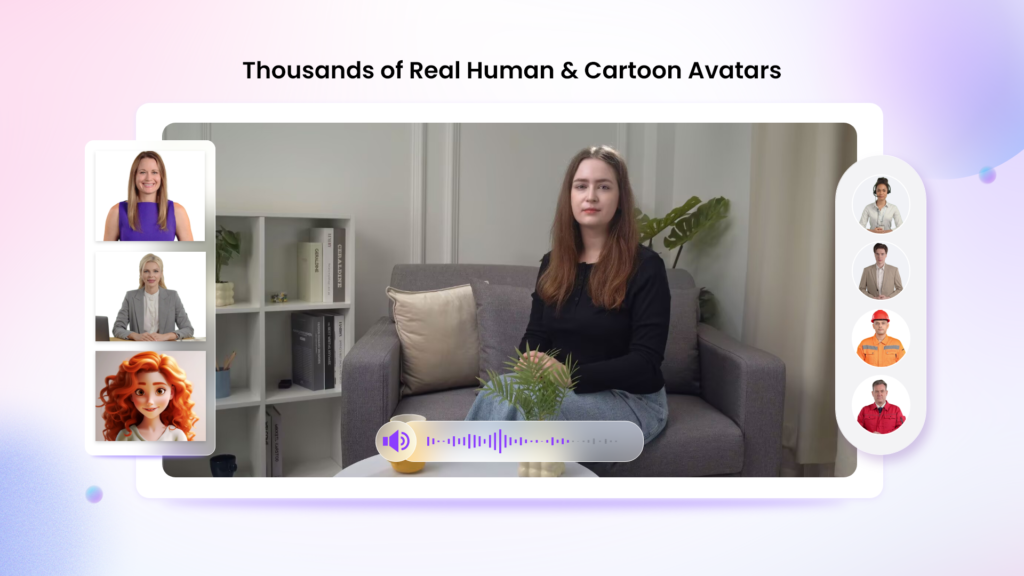
1,900+ Lifelike Avatars, There’s Always One That Fits
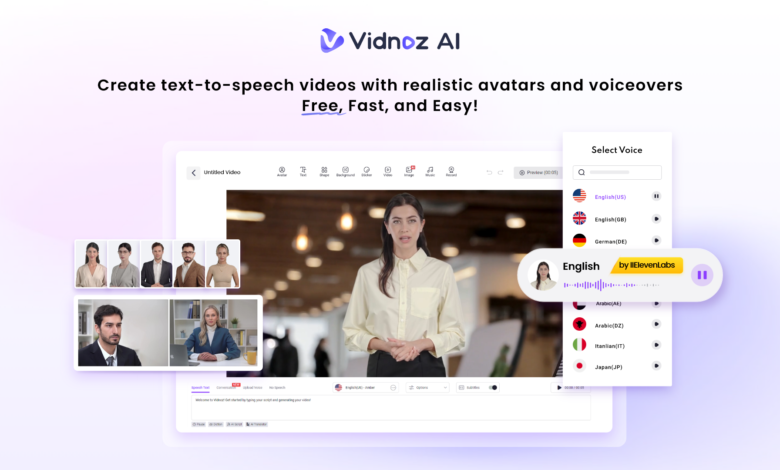
The first thing that surprised me was the sheer number of avatars. Over 1,900 of them, spanning different industries, roles, ages, and backgrounds. Whether I needed a doctor-style presenter for a health explainer, a professional in business attire for a corporate update, or something more casual for social content, there was always a match.
What I use most, though, are the customizable options. The digital twin feature lets me create an avatar that looks like me, so my audience still sees a familiar face, even when I don’t want to be on camera. The expressive avatar adds natural gestures and emotions that make videos feel less stiff. And for product videos, the product avatar keeps the focus exactly where it should be. Having these three options means I rarely have to compromise on how a video looks and feels.
2,000+ AI Voices in 140+ Languages
Voiceovers used to be another bottleneck. I’d either record myself (and hate how my voice sounded on playback) or pay someone on a freelance platform and wait days for delivery.
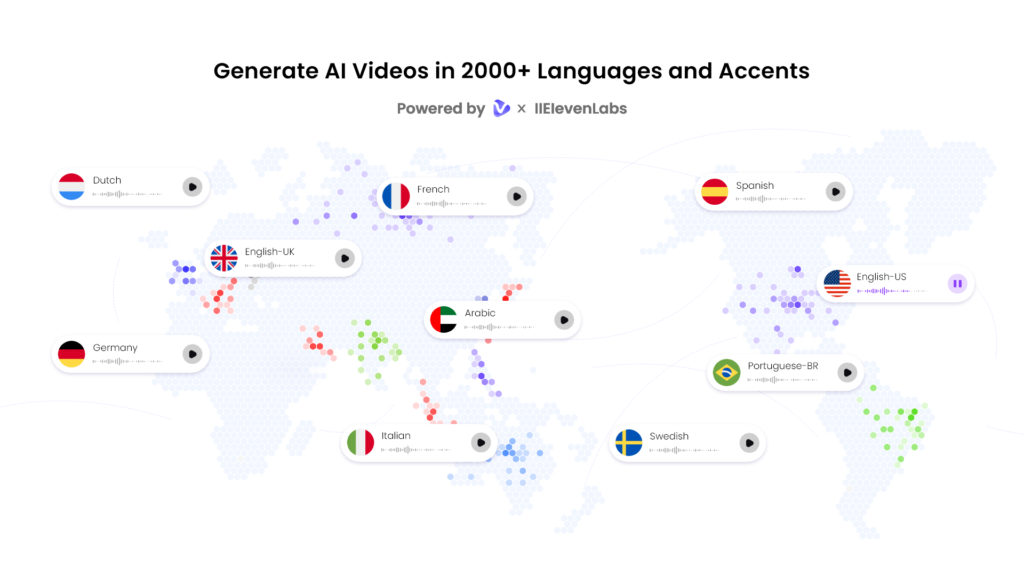
Vidnoz solved that with over 2,000 natural-sounding AI voices across 140+ languages, powered by ElevenLabs, Microsoft, and Google. The quality difference between these voices and generic text-to-speech is significant. You can pick by tone, warm, professional, energetic, and the lip-sync matches the avatar’s mouth movement accurately. For the first time, my multilingual content didn’t feel like an afterthought.
2,800+ Pre-Designed Templates
I’m not a designer, and I’ve never pretended to be. Before Vidnoz, I’d spend more time on layout and transitions than on the actual message.
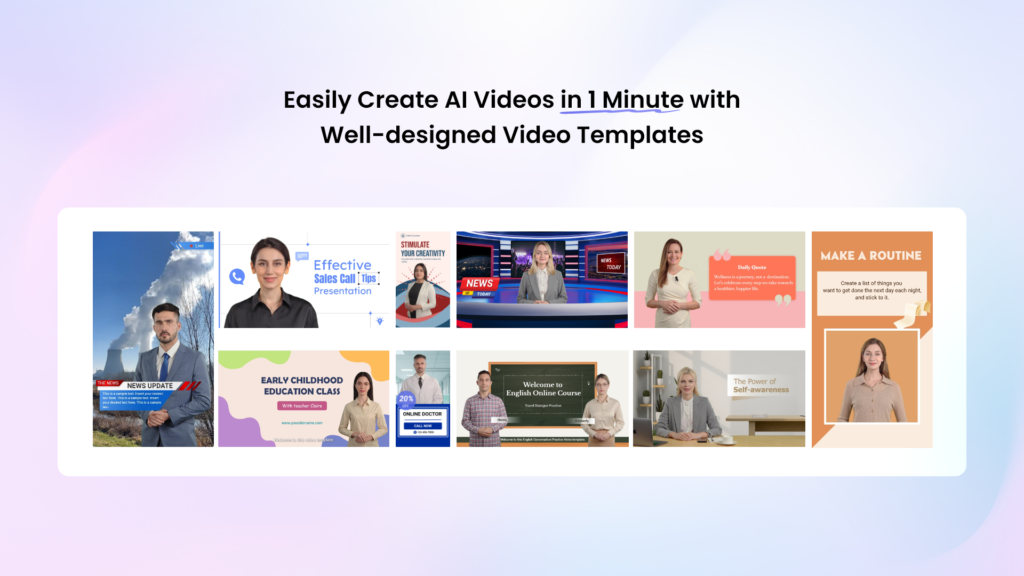
The platform has over 2,800 pre-designed video templates covering marketing, education, HR, social media, product demos, and more. I pick one that fits the purpose, swap out the script, and the structure is already done. It’s not just a time-saver, it actually makes the videos look more polished than what I was producing on my own.
Free Daily Use, No Commitment Required
Every user gets 30 credits of free video generation per day. For me, that was enough to test the tool properly before deciding whether to invest in a paid plan. It’s a genuinely useful amount, enough for a short explainer, a product highlight, or a quick team update. No credit card required just to see if it works.
How I Actually Use It, Step by Step
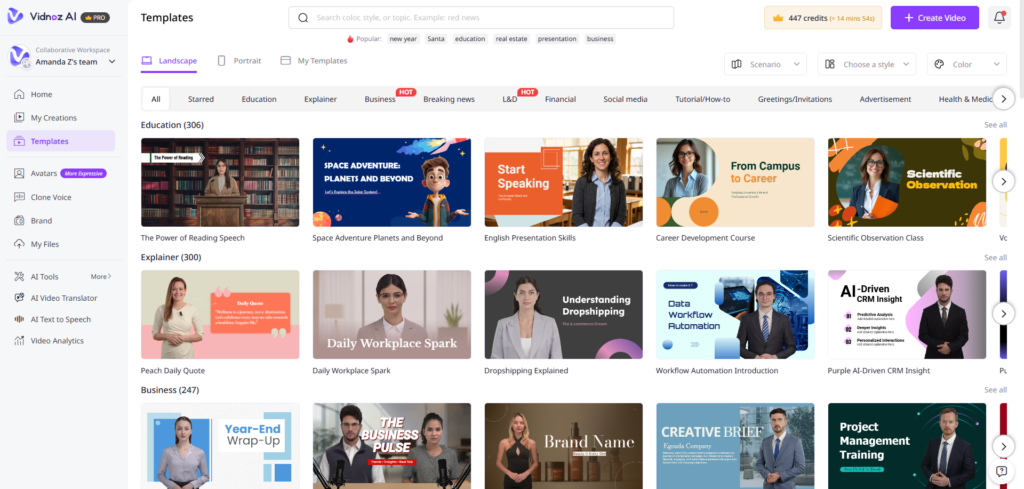
Step 1: Choose a Template & Avatar. Open the Vidnoz AI video generator on the official website. I start by browsing the template library based on what I’m making. Once I find a layout I like, I pick an avatar that matches the tone, professional for business content, friendly for social posts.
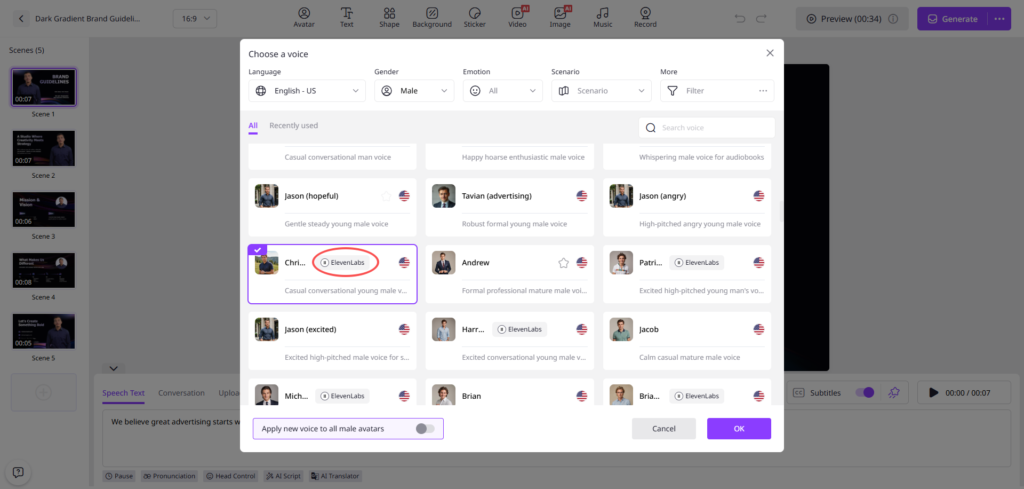
Step 2: Create the AI Voiceover I paste my script into the editor, choose a voice, set the language and pace, and that’s it. The voiceover is generated and synced to the avatar automatically.
Step 3: Add a Custom Touch This is where I personalize things, adding my logo, adjusting colors, dropping in transitions or background music. It takes maybe five minutes and makes the video feel on-brand.
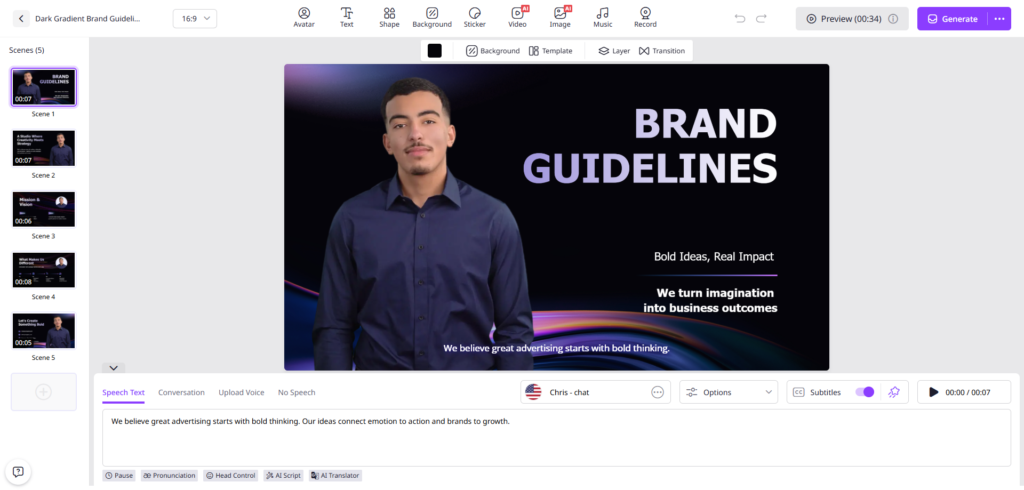
Step 4: Generate, Download & Share I hit Generate, and the video is ready within minutes. From there I can download it or share it directly to social media or via email. No exporting to another tool, no format issues.
What Actually Changed
The honest answer: I make more videos now because making them doesn’t feel like a project anymore. A video that used to take half a day now takes under thirty minutes, sometimes less. The quality is consistent, the process is repeatable, and I’m not dreading it.
If you create videos for any reason, marketing, training, teaching, or just staying in touch with an audience, Vidnoz AI is worth trying. The free daily plan means there’s genuinely nothing to lose.